

The incident is in your pocket.
The same live map, push-to-talk channel, and timeline that runs on the Command Post wall — purpose-built for the responder walking the scene, driving to it, or working it from the truck. One tap to join. One thumb to operate.
The iOS app ships with every NetixOps workspace. Start a 30-day trial and TestFlight access is included, or see what’s inside.
- iOS 17+
- iPhone & iPad
- Built-in PTT
- Half-duplex voice
- Battery aware
- 10s updates in motion
Designed for working an incident, not browsing an app.
Every screen is built around the question a responder is asking in that moment — and gets out of the way the rest of the time.
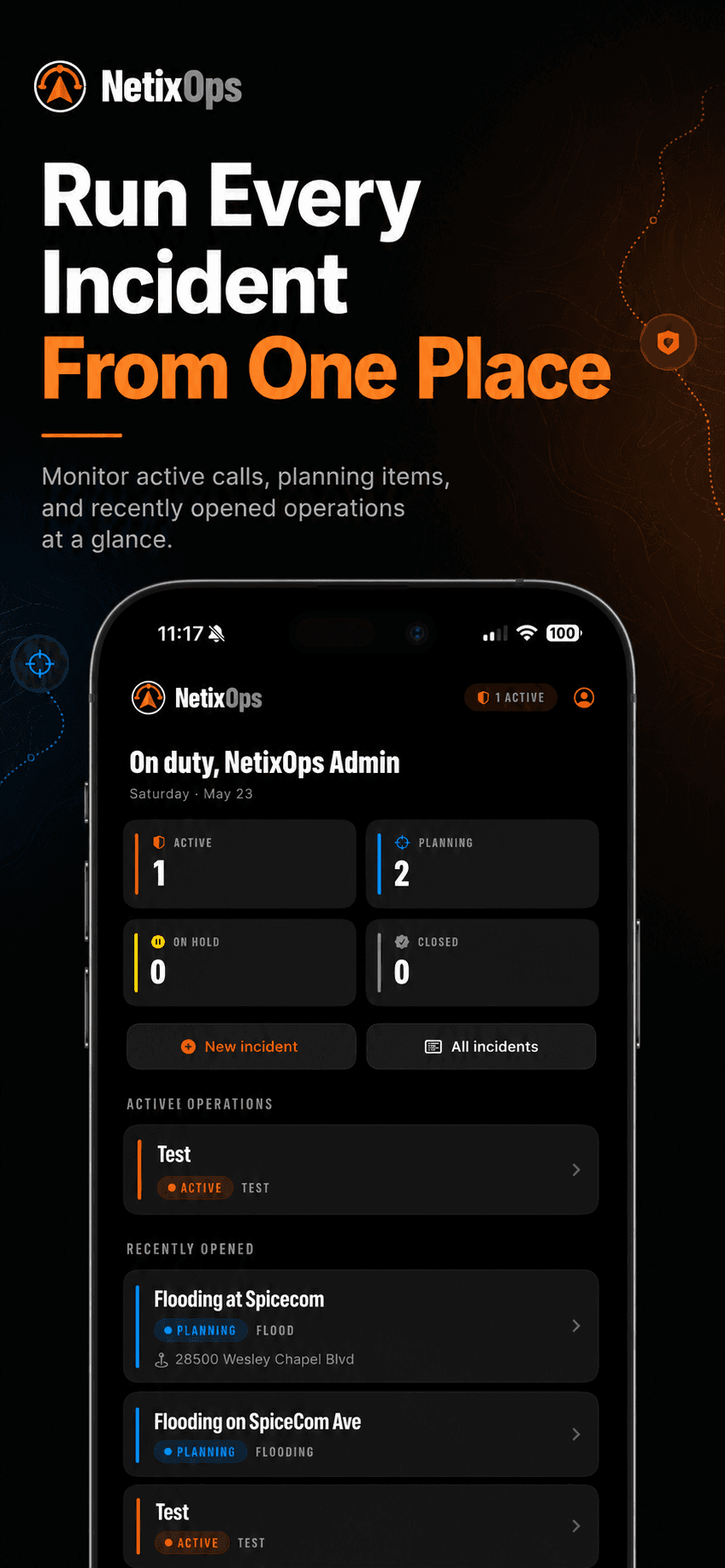
Run every incident from one place
The dashboard lands you on a current ops picture the moment you sign in: active counts, recent operations, and one-tap entry into any incident you're a member of.
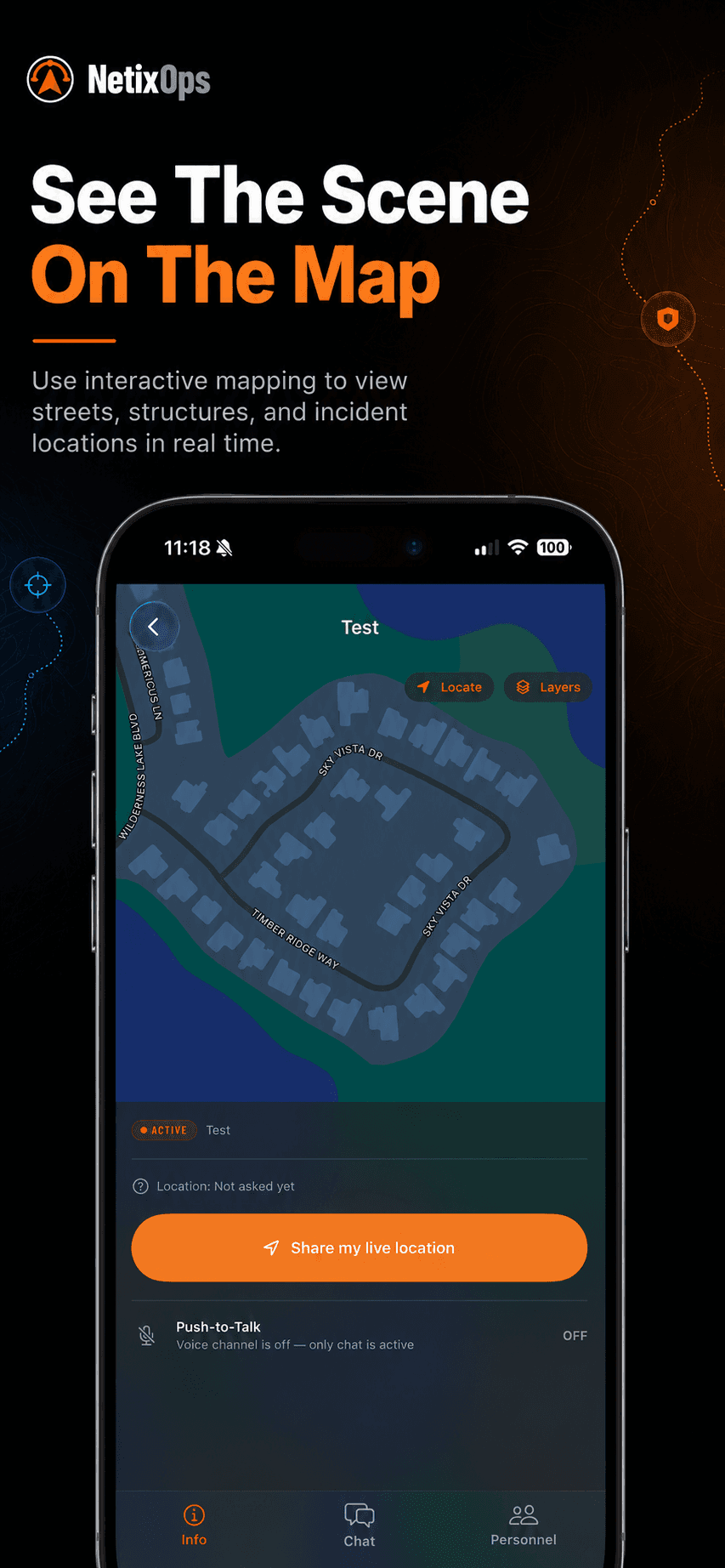
See the scene on the map
Sculpted street-level detail, drawn perimeters, teammate dots, and your own GPS — all rendered in real time on the same canvas every responder is looking at.
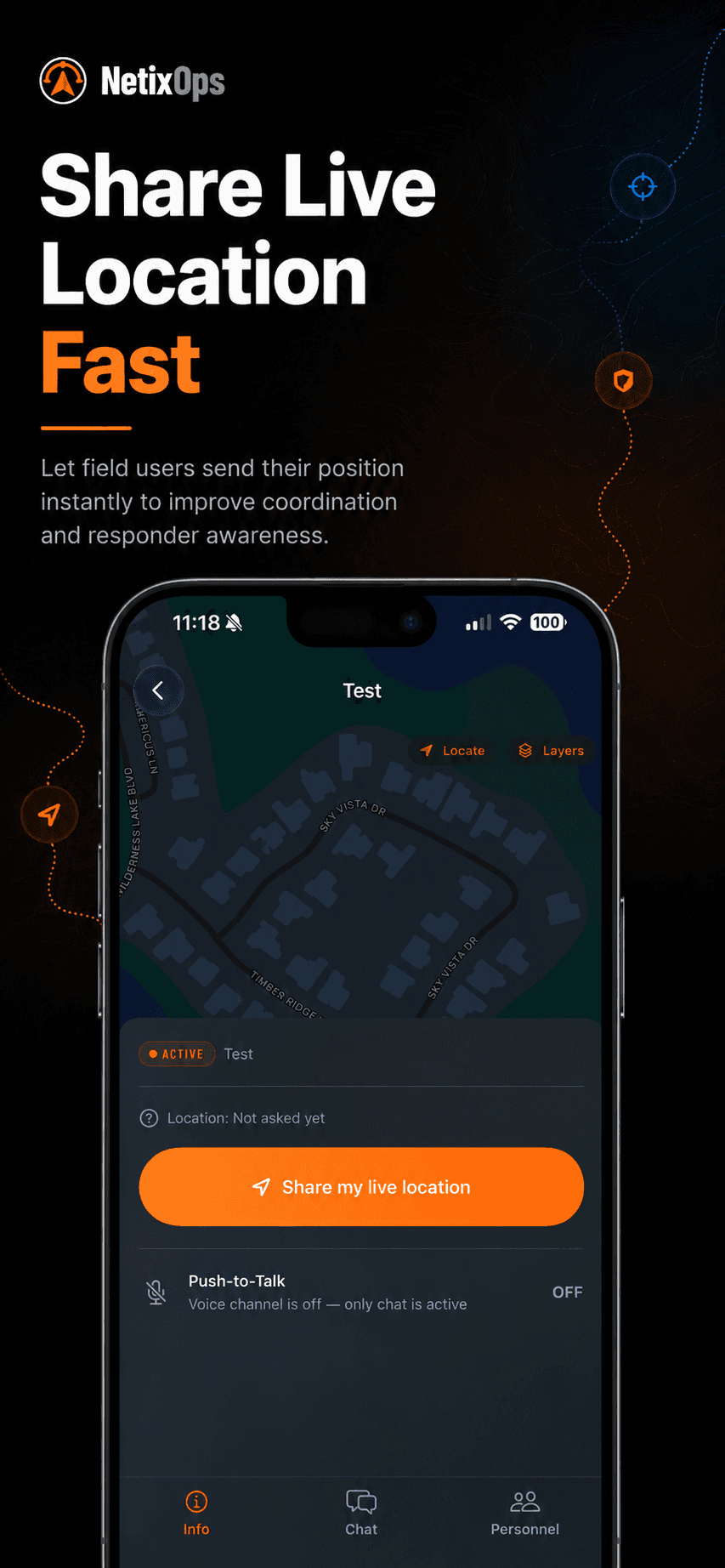
Share live location, fast
Tap once to start broadcasting your position to the call. Battery-aware updates (every ~10s in motion, paused when stationary) keep teammates' maps fresh without cooking your phone.
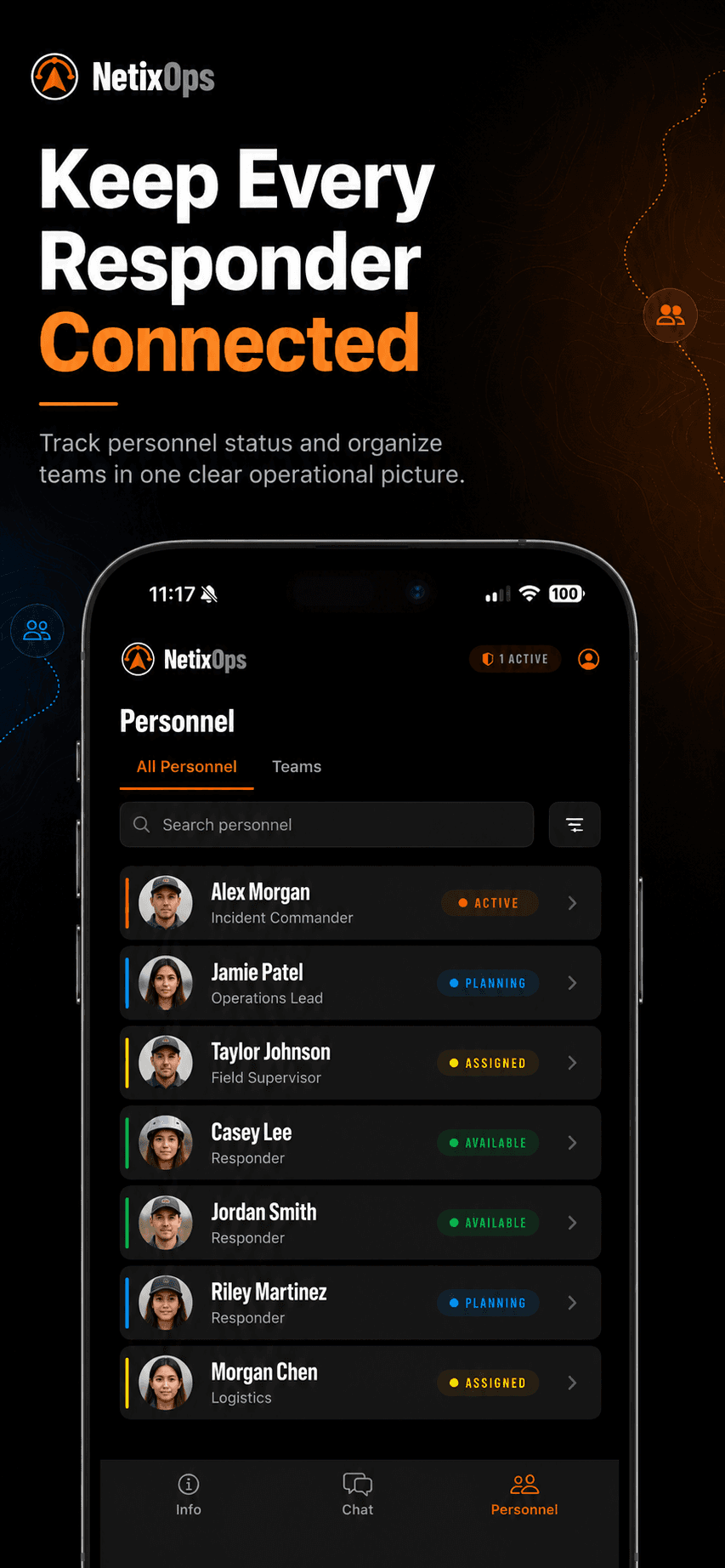
Keep every responder connected
See who's assigned, who's responding, who's on scene, and who's available — all in one tap, with role-coded chips and a working search.
Capabilities that ride with you.
Eight things the iOS app does that radios, group texts, and a shared spreadsheet can’t.
Push-to-Talk over data
Hold the orange button — your voice lands on every phone, laptop, and Command Post display on the call in under a second. No radio needed.
Time-sensitive push
When a teammate keys PTT or drops a message, iOS wakes the screen through Focus and Silent. Tap and you're back in the incident, channel auto-joined.
Long-press to drop pins, lines, areas
Press-and-hold the map to drop a pin. Switch to line or area mode and each long-press adds a vertex. Pick a color, label, and the whole team sees it.
Live responder positions
Every teammate sharing location shows as a colored dot with their role and time-of-last-update. Tap to recenter on them.
Drones and aircraft, on the same map
Skydio and DJI fleet positions plot live. ADS-B aircraft overlay shows manned traffic. One picture, one truth.
Personnel + invites
Roster the team, invite by email, change roles in place. Commanders, responders, and observers all see the same incident — with the right permissions.
Designed for one-handed use
Big tap targets, persistent bottom tab bar, large PTT button reachable by thumb — built for working a call, not browsing an app.
Sign in via SSO or QR
Single sign-on through your agency's IdP, or scan a printed QR at the Command Post to land on the right incident in seconds.
Pick up where the desktop left off.
The iOS app and the browser console are the same incident, same map, same voice channel, same audit log. Annotate from a laptop at the Command Post, watch it pop up on every phone in the field a beat later — and vice versa.
Get NetixOps on your agency’s phones.
The iOS app rides on every trial workspace — start a trial and you’ll be added to the next TestFlight build automatically. Prefer to talk it through first? Tap below.